One Click Start
for unlimited PCs.

One profile. Every PC.
Your entire simulator, ready to fly.

⊙  See how it works

Unlimited networked PCs · Remote Launcher included
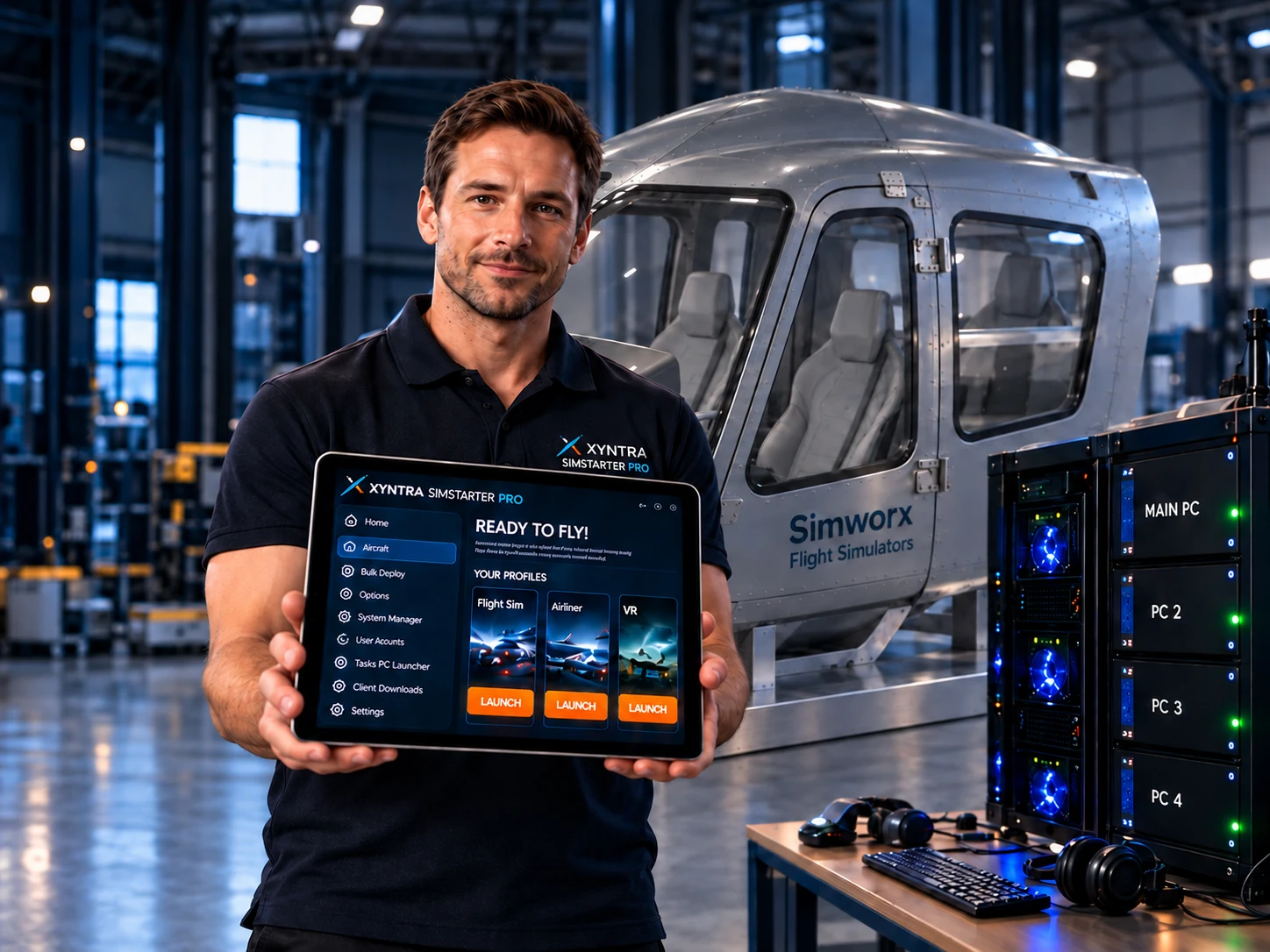
SimStarter operator holding an iPad beside a grey Simworx helicopter simulator and networked PCs

One simulator. Every PC. One launch.

Create one profile and launch your entire simulator from a single click. SimStarter PRO finds and starts the software across all your networked PCs.

Set up once. Launch together.

1

Sign up

Create your professional account.

2

Install your nodes

Put the Node software on each network PC.

3

Install SimStarter

Use the normal SimStarter app on your main PC.

4

Scan your network

Find the software across your connected PCs.

⚙  One-click setup. No complex network modifications.

One scan. Software found across your network.

MAIN PC

  • MobiFlight
  • X-Plane
  • Air Manager
  • ProSim

PC 2

  • ProSim Client
  • MobiFlight
  • FSUIPC

PC 3

  • ProSim Client 2
  • MobiFlight
  • FSUIPC Client

PC 4

  • Immersive Display
  • FSControl

Name your profile. Choose how you fly.

Choose the programs, set the startup order, and save your profile.

Airport control tower at sunset

With VATSIM

A complete online flying setup with ATC, tracking and network tools.

Airliner flying at sunset

Without VATSIM

A streamlined offline setup for relaxed flying at home.

Flight simulator user wearing a VR headset

VR Flight

Get your VR simulator ready with all the right software.

Cockpit overlooking an airport at sunset, with coffee on the side console

Click launch. Grab a coffee. Go fly.

Your selected software starts across your simulator PCs,
in the order you choose.
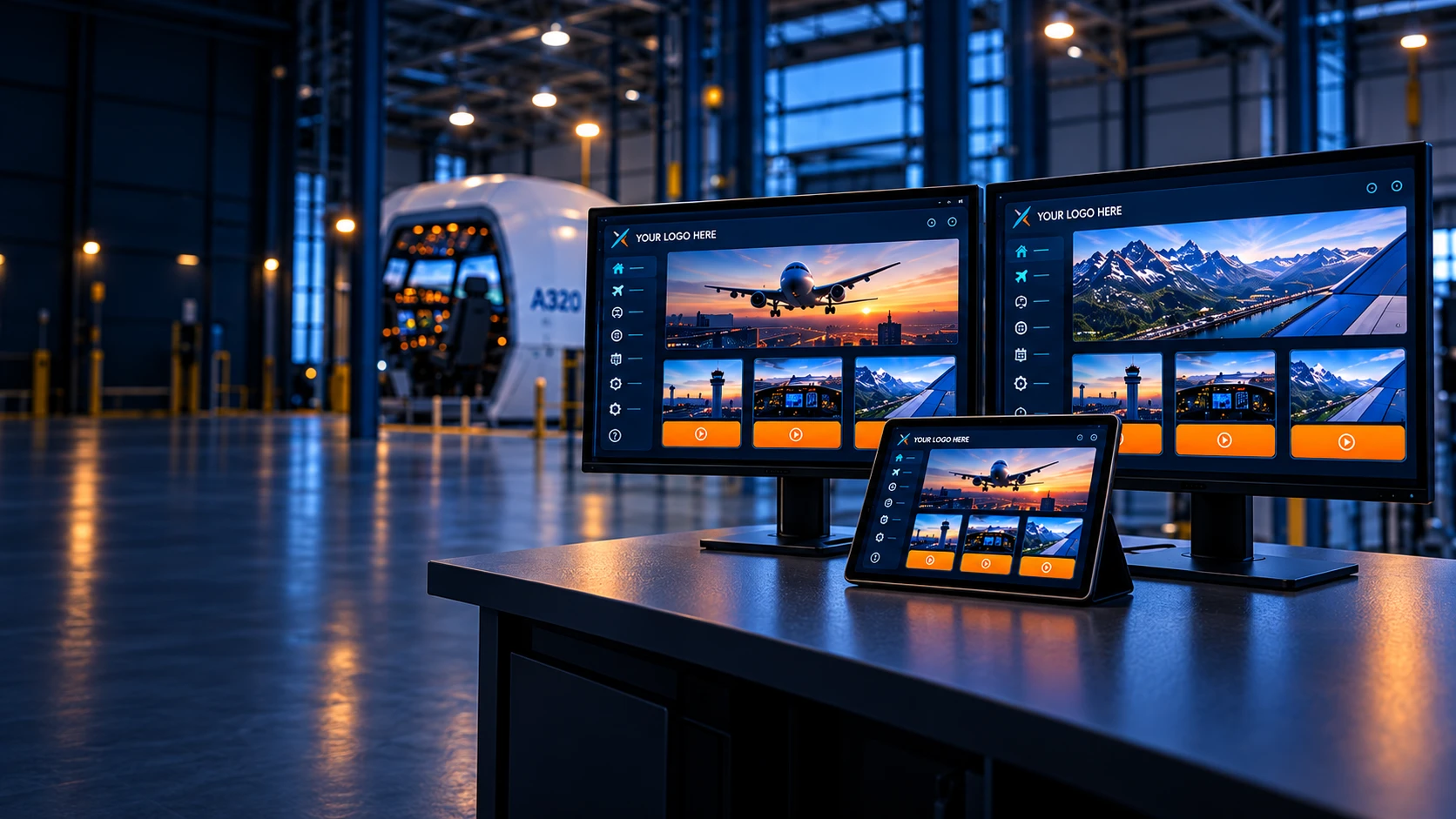
SimStarter software on desktop monitors and iPad

Professional Licence

£350One-time payment

  • Commercial use
  • Unlimited networked PCs / nodes
  • Remote Launcher included
  • 30-day money-back guarantee
Example custom-branded SimStarter interface

Your simulator. Your brand.

Need an own-branded version or a more professional, less gaming-style skin?
Contact us to discuss your requirements.